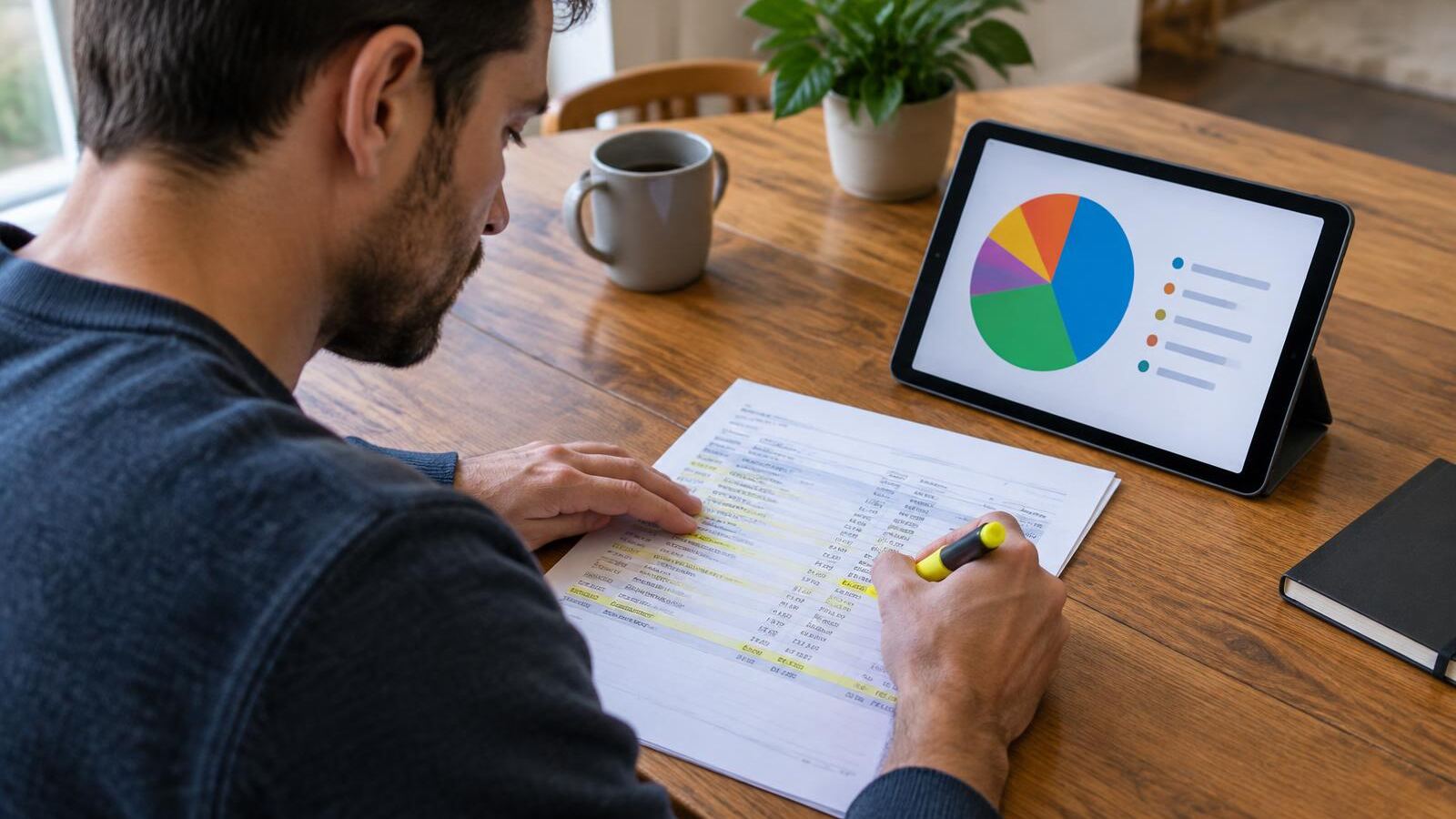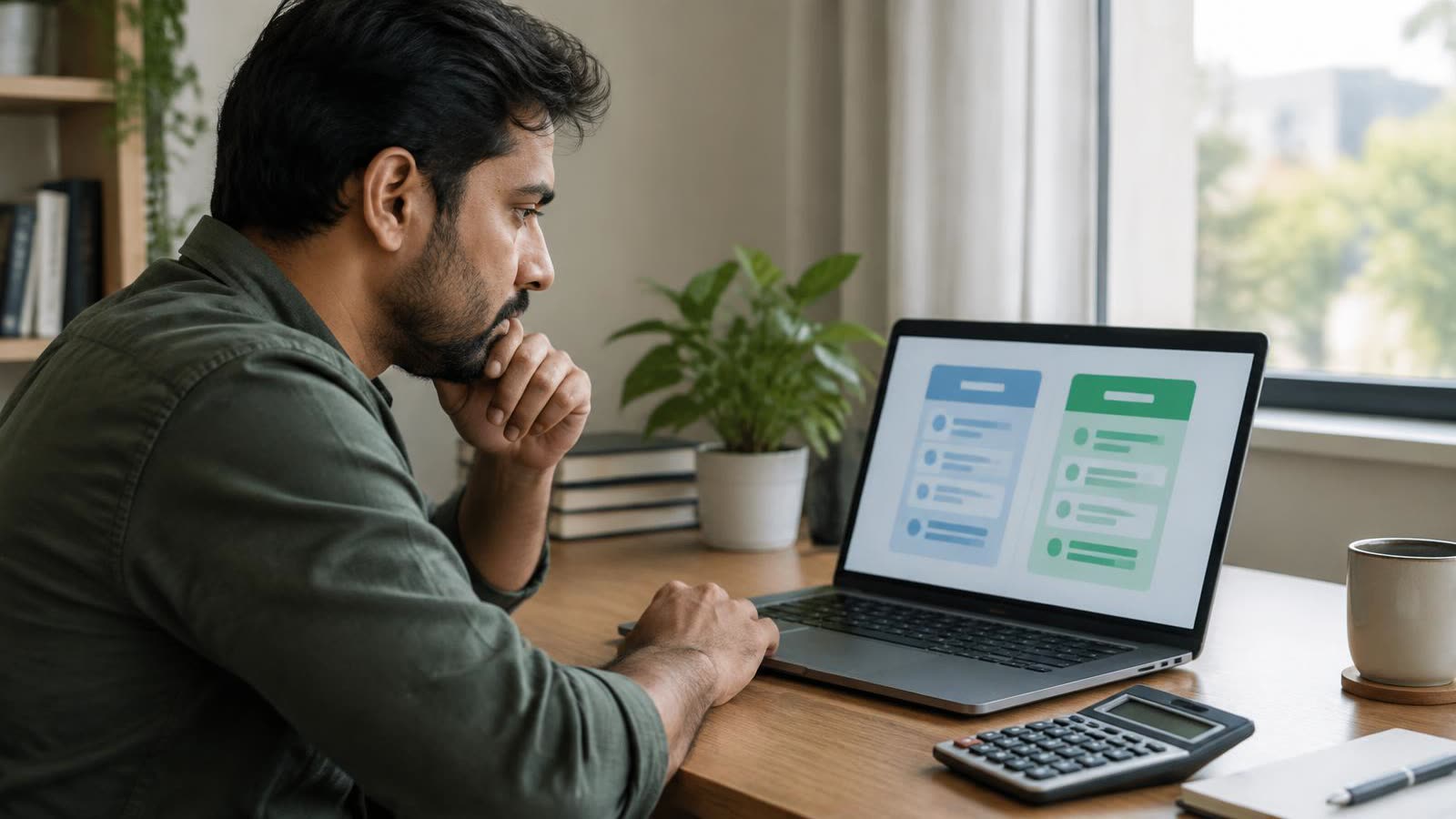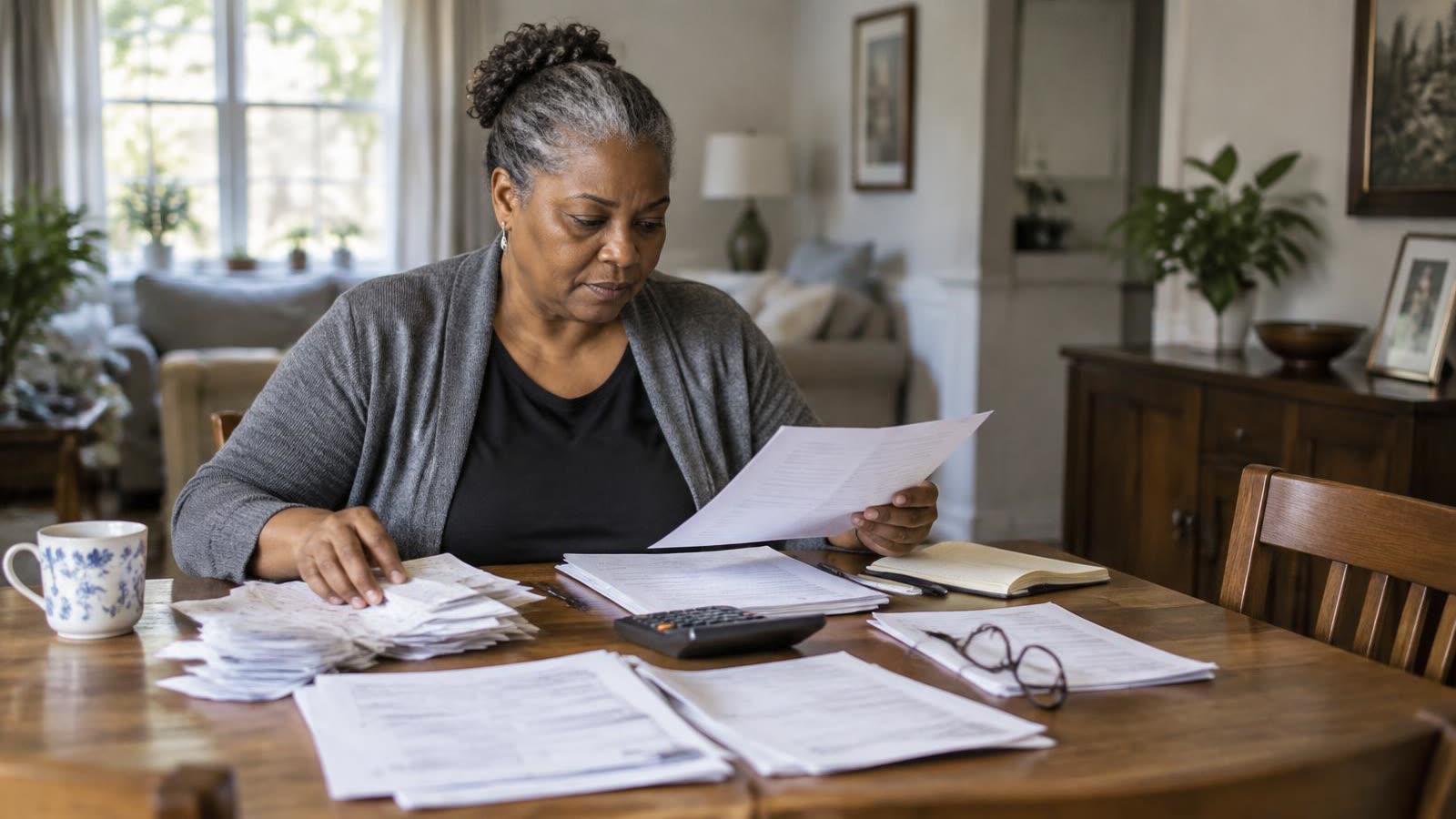

Budgeting apps are everywhere, yet many people try several and abandon them all. Sometimes the app is too complicated, packed with charts and features you'll never use. Sometimes it's too rigid, forcing you into categories or methods that don't match how you actually think about money. And sometimes it just doesn't fit your situation, like budgeting around irregular freelance income or using the envelope method.
Here's an option that didn't really exist a few years ago: building your own simple budget tracker, designed exactly the way you want it, without writing any code. AI app builders like Lovable make that possible by turning a plain-English description into a working app.
Why build your own budget tracker?
The biggest advantage is fit. A homemade tracker can follow whatever method works for you, whether that's zero-based budgeting, where every dollar gets a job, the 50/30/20 rule, which splits income among needs, wants and savings, or an envelope-style system with a set amount for each spending category. You choose the categories, the layout and the summaries you see.
A custom tool can also be refreshingly simple. Without features you don't need, there's less clutter and less reason to give up. And many people find that the process of designing their own tracker forces them to think clearly about their budget: what categories matter, how much they really want to spend and what information would actually help them make better decisions.
How an AI app builder works
Tools like Lovable let you describe an app in everyday language and generate it for you. You might type: 'Build a monthly budget tracker where I enter my income, set planned amounts for categories like rent, groceries, transportation and fun, log my spending, and see how much is left in each category with a simple chart.' Lovable creates a working version you can try immediately.
Then you refine it with more requests. You could ask it to add a running total, highlight categories that are over budget in red, include a section for savings goals or make it easier to log expenses on your phone. Each change updates the app, so you can keep improving it until it fits the way you think.
Step 1: Decide what your tracker needs to do
Resist the urge to build everything at once. A simple first version is more likely to get used. For most people, a useful budget tracker needs only a few core pieces: a place to enter monthly income, a list of spending categories with planned amounts, a quick way to log purchases, a view of how much is left in each category and a simple monthly summary.
If you use a specific budgeting method, write down how it works before you start. For zero-based budgeting, for example, your tracker should show whether income minus all planned spending equals zero. For irregular income, you might budget from your lowest typical month and add a section for what to do with extra income in good months.
Step 2: Describe it clearly
The quality of your app depends heavily on how well you describe it. Be specific about your categories, the information you want to see and how you'd like it to look. Mention whether you'll mostly use it on a phone or a computer. If you want a particular method, say so directly, such as 'income minus planned spending should equal zero, and show me the difference.'
Review the first version and ask for changes one at a time. If something isn't calculating the way you expect, describe exactly what's wrong and what you want instead.
Step 3: Test it with real numbers
Before you rely on your tracker, test it with last month's actual income and spending. Check that totals add up correctly and that each category shows the right remaining amount. Do a few calculations yourself to confirm. AI-built apps can make mistakes, and a budget tool you can't trust is worse than no tool at all. If something is off, ask the AI to fix it and test again.
Step 4: Make it a habit
Even the best budget tracker only works if you use it. Pick a simple routine and stick to it, such as logging spending every evening or reviewing your budget every Sunday. At the end of each month, look at where you went over or under, and adjust next month's plan. Small, regular check-ins usually work better than occasional marathon sessions.
Protect your financial privacy
Because a budget tracker deals with personal financial information, privacy deserves careful thought. Never enter your bank usernames, passwords or full account numbers into an app you've built. The safest approach for a homemade tracker is to enter spending manually or use summary totals, rather than trying to connect directly to your bank accounts.
If your app has a login, use a strong, unique password. Keep the app private unless you deliberately want to share it, and be thoughtful about what details you store. A budget tracker works perfectly well with categories and amounts; it doesn't need sensitive personal identifiers.
Know the trade-offs
A homemade tracker isn't right for everyone. Established budgeting apps often offer features like automatic bank syncing and years of security testing. If you want your transactions to import automatically, a well-known app may be the better choice. A custom tracker shines for manual budgeting, for unusual methods and for people who want something simple and tailored.
As for cost, Lovable and similar AI builders typically offer a free plan with usage limits, along with paid plans that include more usage and features. Plans change, so check current details.
Content on The Evergreen Edit is for educational and informational purposes only and is not individualized financial, investment, tax or legal advice. Learn more.
This article is for educational purposes only and isn't personalized financial, tax or legal advice. Consider talking with a qualified professional about your situation.

Kiara Miller — Founder & Editor
Kiara Miller is the founder and editor of The Evergreen Edit. He has been doing independent finance research for two decades and reviews every article before it's published.
More about Kiara →Get smarter about your money.
Join readers who get The Sunday Edit every week.